PREPARE THE SOURCE FILE

Choose a clear image for a great-looking print.

Upload a PNG, JPG/JPEG, or WebP that you own or have permission to print. Send the clearest original file you have. We check image quality before printing and include enhancements where helpful.
  • PNG, JPG/JPEG, or WebP
  • Original file preferred
  • Original or authorized artwork only
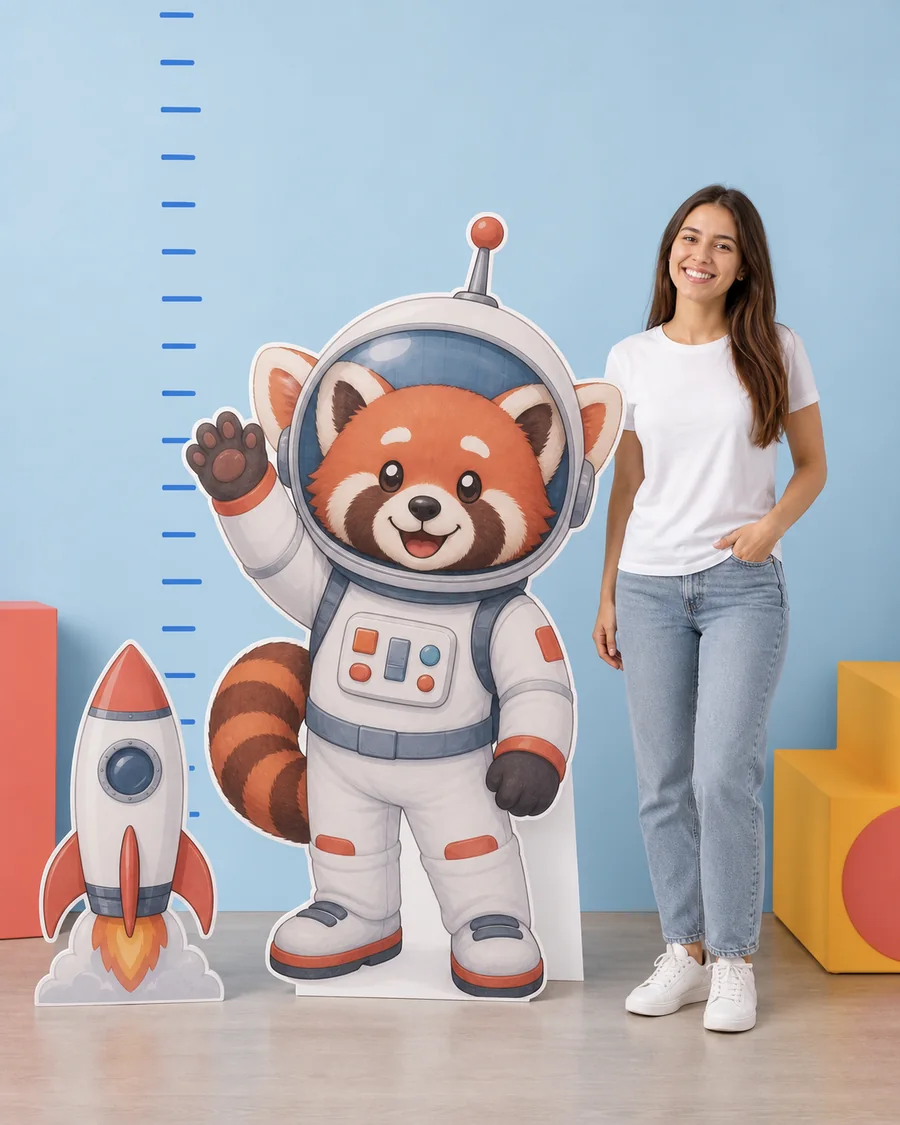
Illustrative red panda astronaut artwork prepared for a custom cutout preview.
Clear edges and a complete subject make the preview easier to evaluate.

THE STRONGEST START

Choose quality before you choose size.

Enlargement makes the strengths and weaknesses of a source file easier to see.

01

Use the original

Prefer the original photo or exported artwork over a screenshot, thumbnail, or image copied from a small preview.

02

Keep the subject complete

Check hands, feet, hair, clothing, props, lettering, and every edge that should appear in the final piece.

03

Inspect at full screen

Zoom in before upload. If a face or important detail already looks soft, enlargement will not restore missing information.

CUTOUT FILES

Leave space between separate cutouts.

  • Use visible separation when several subjects should become separate cutouts.
  • Check whether touching subjects should remain one physical composition.
  • Keep important text large enough to inspect in the on-page preview.
  • Review every detected piece before adding the set to the cart.

BACKDROP FILES

Prepare your artwork for the backdrop shape.

Rounded arch
Keep essential content away from the curved top and outer edges.
Flat top
Review the artwork as a rectangular printed face.
Open arch
Plan around the intentional centre opening.
Available sizes
30×48, 32×60, 40×72, and 45×84 inches.

PERMISSION MATTERS

Make sure you have permission to print.

  • Confirm who created the photograph or illustration.
  • Confirm permission for branded artwork, logos, and characters.
  • Keep the authorization with the rest of the order records.
  • Choose a different source when permission is uncertain.

PRODUCT-SPECIFIC HELP

Match the file to the format.

FILE READY

Upload the best version you have.

Upload your file and check that every important detail appears in the preview before ordering.