Matching colours and artwork
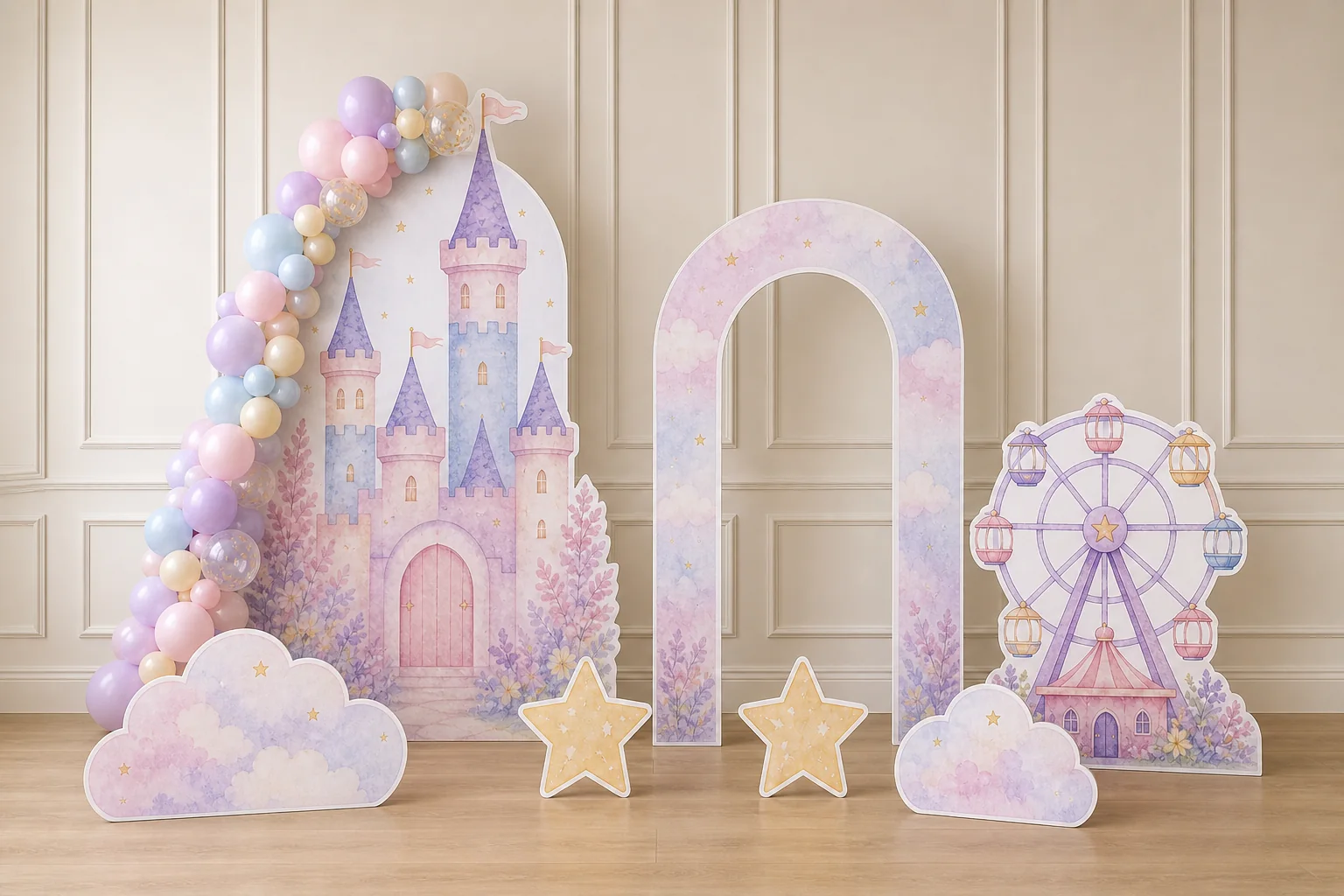
Use matching colours, fonts, or illustration styles across the backdrop and cutout artwork.
COORDINATED CUSTOM ORDERS
A coordinated order can combine a backdrop with one or several cutouts. Start with the main focal piece, then match each supporting piece to an available format and size.
PLAN YOUR PARTY SET
Note the artwork, size, and quantity for each piece before you start.
BUILD AROUND THE CATALOG
CUSTOM ORDER FAQ
Yes. Add your backdrop and cutouts to the same cart, then check each design, size, and quantity before checkout.
Start with the main backdrop or focal cutout, list every supporting physical piece, and assign its artwork, size, quantity, and short project name before uploading.
No. You can use a different file for each design. A cutout image may also contain several separate characters, each with its own size and price.
ORDER IN A LOGICAL SEQUENCE
If the scene includes a backdrop, measure the space and select its shape and fixed dimensions first.
List the cutouts you want, then choose an available size for each piece.
Check every design, size, and quantity in your cart before checkout.
KEEP COORDINATION PRACTICAL
Use matching colours, fonts, or illustration styles across the backdrop and cutout artwork.
Use the same names for pieces in your list, artwork files, and cart review.
Confirm ownership or authorization for every photograph, illustration, logo, and character before upload.
PLAN YOUR PIECES
START WITH THE FIRST PIECE
Start with a cutout or backdrop. Add matching pieces to create your own party set.