Rounded arch
A curved top creates a softer outline and a clear central face for the backdrop artwork.
CUSTOM EVENT BACKDROPS
Turn your artwork or photos into a custom backdrop. Choose a size and shape, then adjust your design in the live preview before ordering.
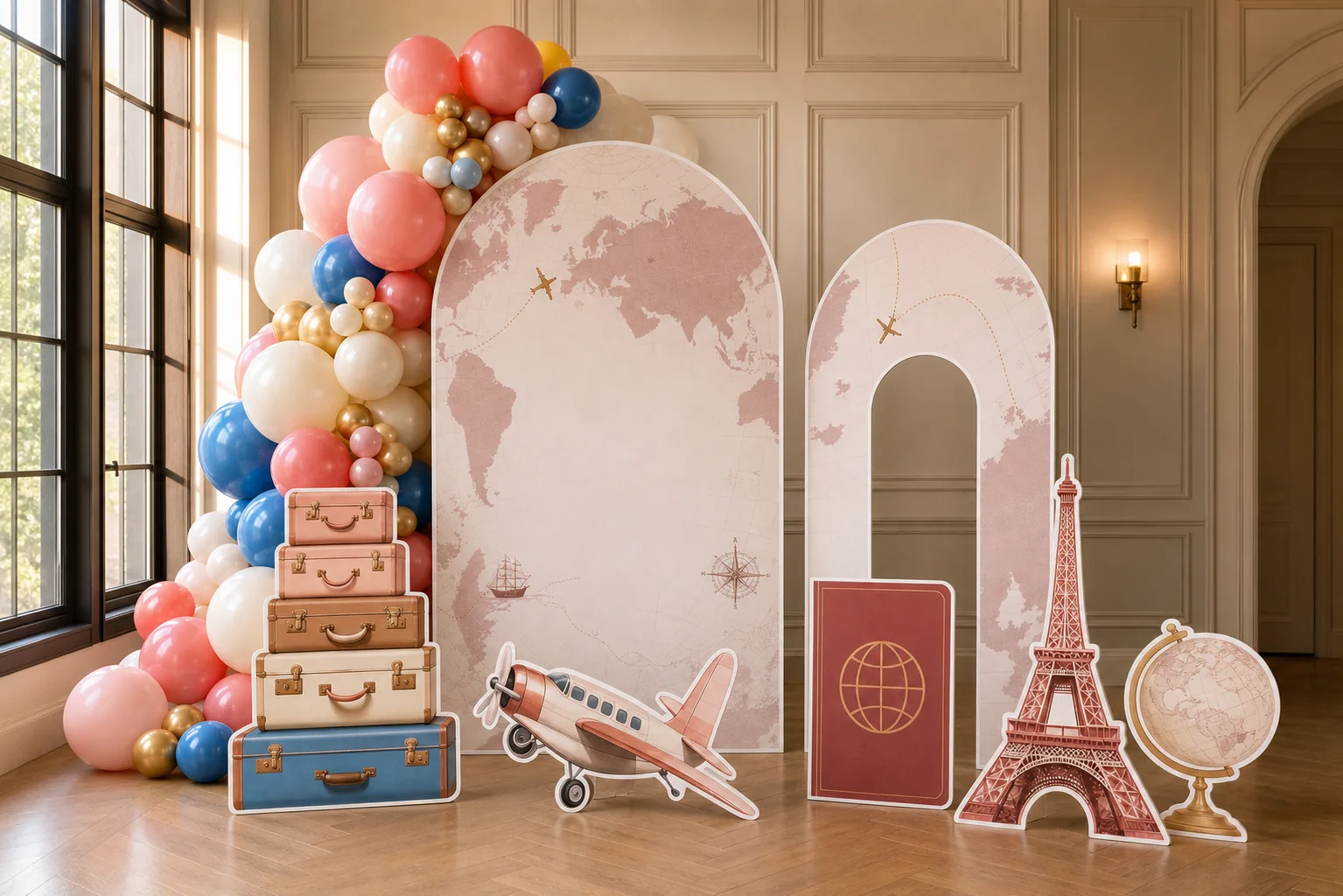
CHOOSE THE SILHOUETTE
Select the face that supports the artwork and the space around it. The preview shows the chosen shape before ordering.
A curved top creates a softer outline and a clear central face for the backdrop artwork.
A straight top keeps the silhouette simple and gives artwork a rectangular printed face.
An open centre turns the backdrop into a printed frame. Review the opening carefully in the preview.
BACKDROP SIZES
CUSTOM BACKDROP FAQ
Choose 30 × 48 inches, 32 × 60 inches, 40 × 72 inches, or 45 × 84 inches. Each option is listed width first, then height.
The builder offers a rounded arch, flat top, or open arch. The open arch has an intentional centre opening, while the other two keep a fully printed face.
Yes. Use the live preview controls to position and scale your artwork inside the selected face, then review the visible composition before adding it to the cart.
Large coroplast backdrops ship folded and require customer assembly. Open and inspect the package with time to prepare the piece before the event.
PLAN THE COMPOSITION
Decide whether the artwork belongs on a rounded arch, flat top, or open frame.
Measure the intended space and select one of the four fixed width-and-height combinations.
Review the visible composition inside the selected face, especially near curves and the open centre.
ARTWORK CHECK
COMPLETE THE PLAN
BUILD THE BACKDROP
Upload your artwork, choose your shape and size, and check the full design before ordering.